Registering New Account on Mobile App
How do I register for a new account in mobile app?
-
Open the app and click Register.
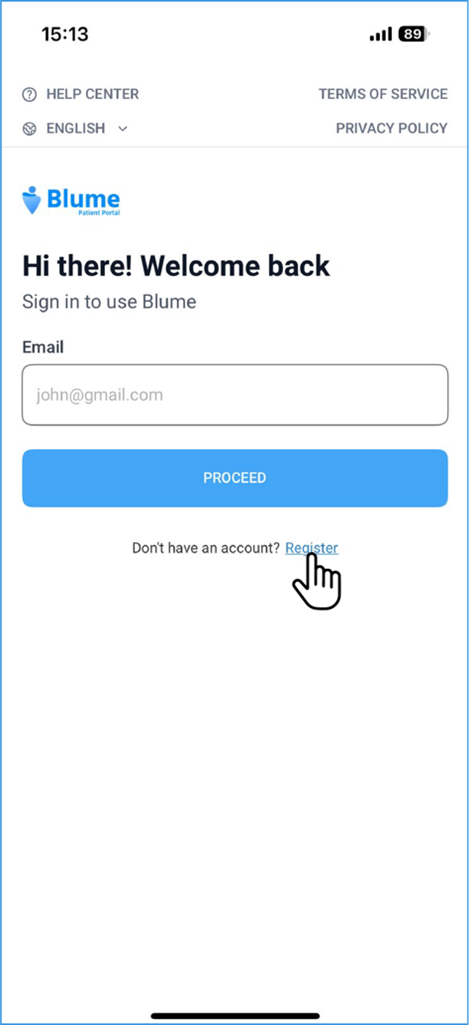
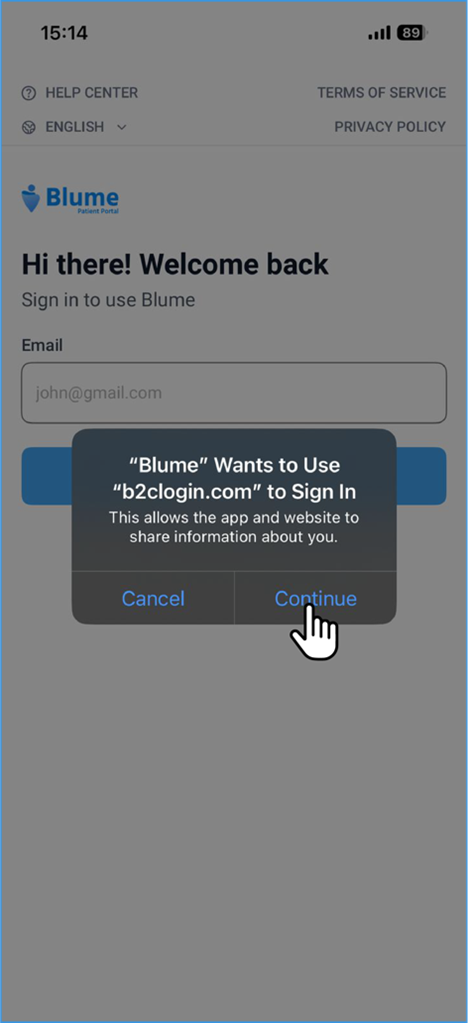
-
Choose Social Login (Facebook, Google, Microsoft, Apple) or Sign up with Email.
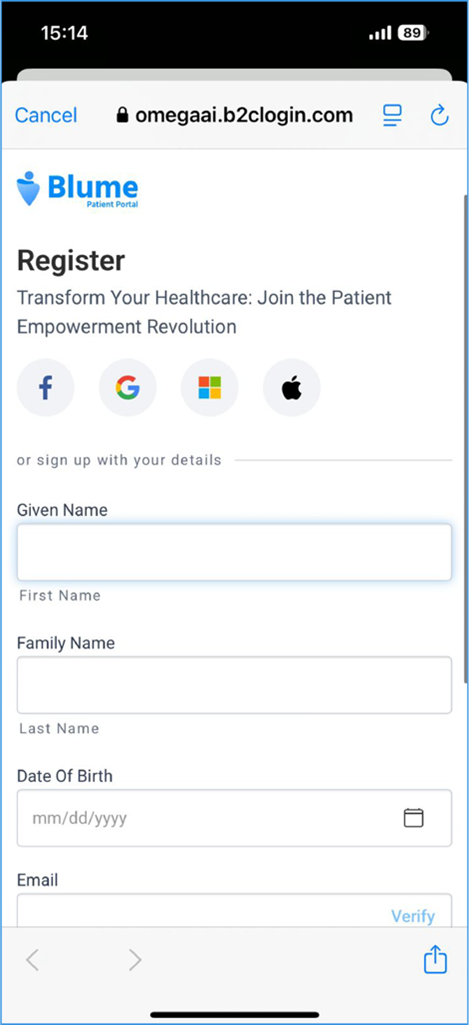
3.If Using Email — Sign-Up (Quick Steps)
A. Password-Based Sign-Up
-
Tap Register with Email.
-
Confirm the pre-filled email from your invite.
-
Enter your Date of Birth and Name.
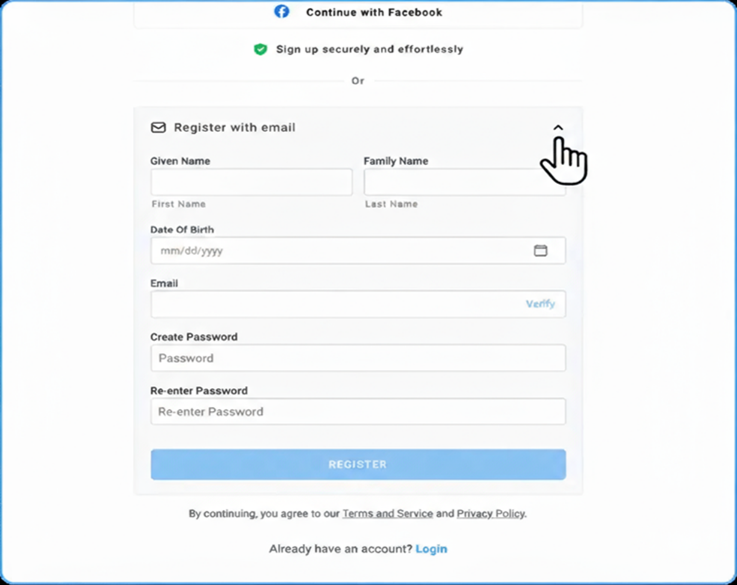
- Create a password (min 8 characters, uppercase + lowercase, number/special character).
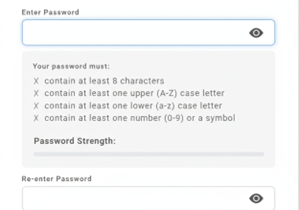
- Re-enter the password and tap Continue.
Note: Existing users may continue signing in with their 6-digit PIN, but switching to a password is recommended for enhanced security.
B. PIN-Based Sign-Up
-
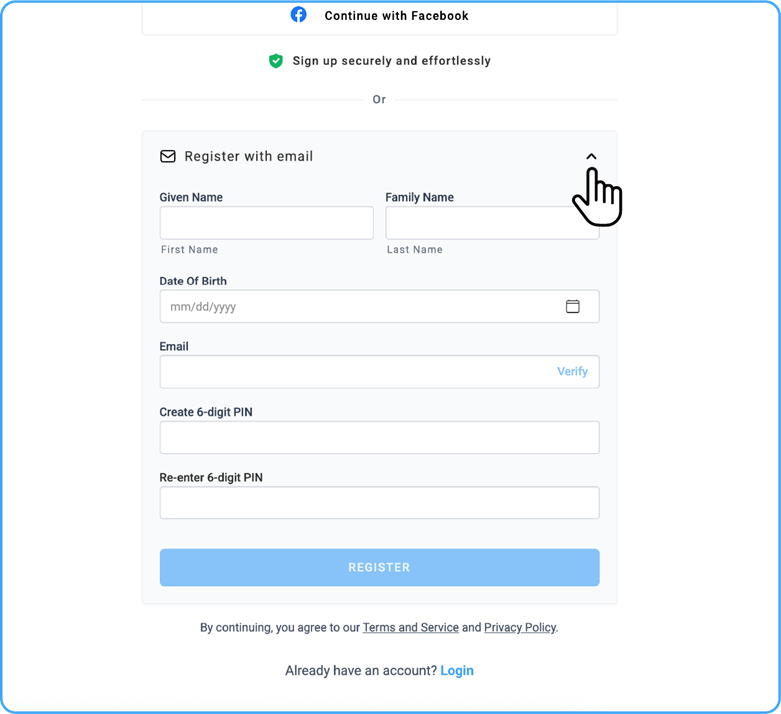
Tap Register with Email.
-
Confirm the pre-filled email.
-
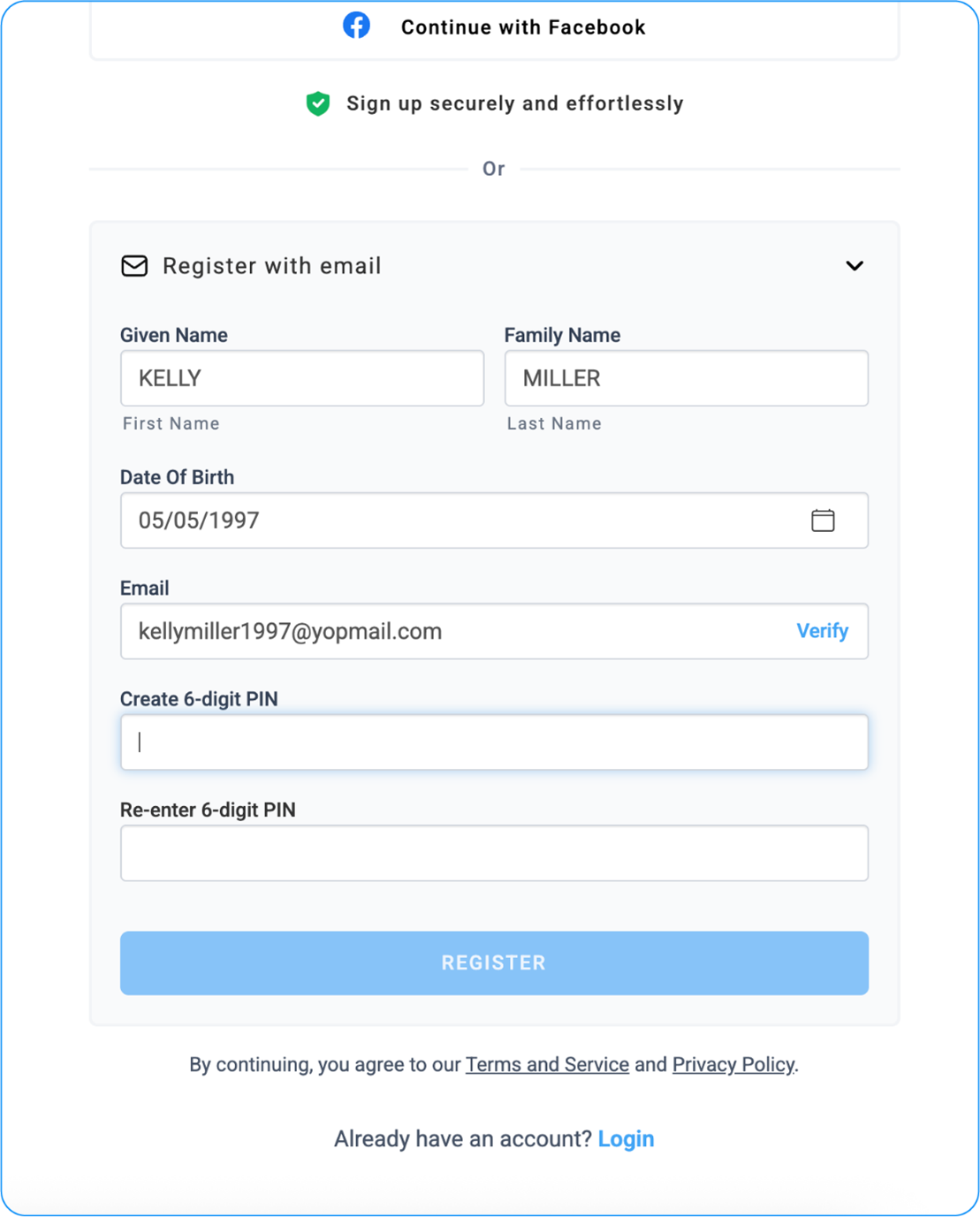
Enter your Date of Birth and Name.
-
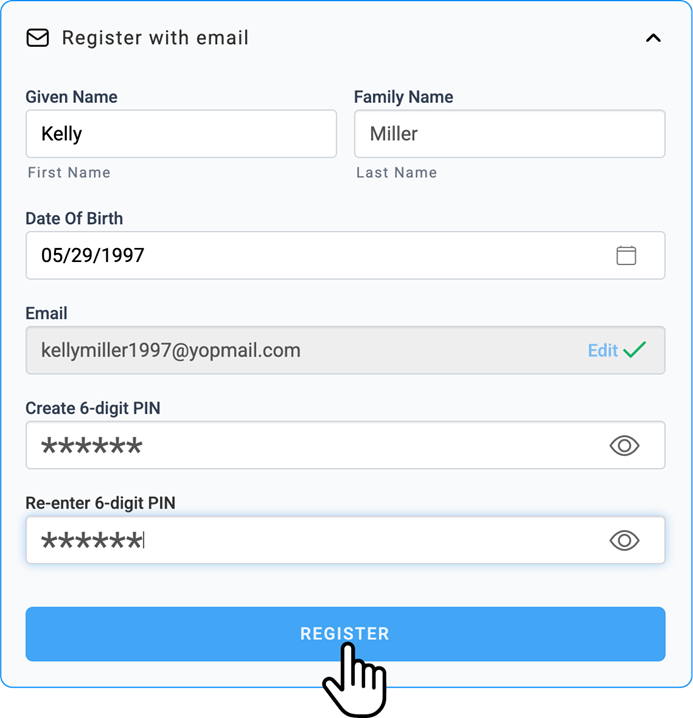
Create a 6-digit numeric PIN.
-
Re-enter the PIN and tap Register.
Note: PIN login is still supported, but users can upgrade to the new password-based authentication anytime. For detailed instructions, see the Blume Onboarding Guide in the Introduction.